Your trade / Your language
Emojis for
dryliners.
Free stickers for dryliner job updates and the group chat.
3 images · PNG + WebP · Free, no sign-up
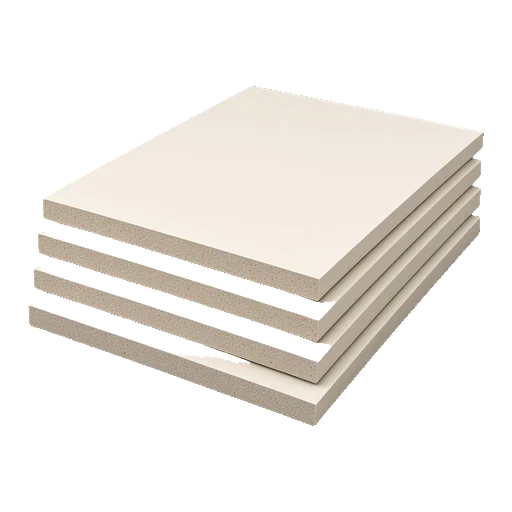
 Plasterboard sheet3D · Free PNG + WebP
- Plasterboard sheet3D · Free PNG + WebP
 Metal stud3D · Free PNG + WebP
A caption to make your own.
Start with a photo of your actual work, add one relevant sticker and explain what is happening. For example:
Another day on the tools.
Adapt it to the real job. Avoid showing private customer details, paperwork or anything you do not have permission to share.
How to add it
WhatsApp: save the PNG, then use WhatsApp’s Create sticker option where available, or import it with a sticker-maker app. Full WhatsApp steps.
iPhone: save to Files or Photos. On supported devices, try Add Sticker from Photos; if the subject is not recognised, share it as an image. iPhone guide.
Android: save to Downloads, then share from Files or import into a compatible sticker app. Downloading does not change your keyboard. Android guide.
A couple of useful answers.
Can I download just the dryliner stickers?
Yes. This page has a curated ZIP with the relevant characters and tools in PNG and WebP formats. You can also save any image separately.
Do these replace written job updates?
No. Stickers add personality, but appointments, prices, technical details and safety information should always be written clearly.
Best emojis for tradespeople’s Instagram posts
Use the graphic to add personality. Let your actual work do the talking.
FIELD GUIDEHow to add trade stickers to WhatsApp
Save a few favourites, make a small pack and keep the site chat one tap away.
FIELD GUIDETrade slang stickers: sorted, snag and graft
A plain-English guide to the words in the van chat.